
See the system as a whole
The diagram below explains the broad roles of major components. It is a conceptual guide, not a manufacturer wiring diagram, service schematic, refrigerant routing plan or instruction to dismantle the appliance. Your model may arrange these parts differently.
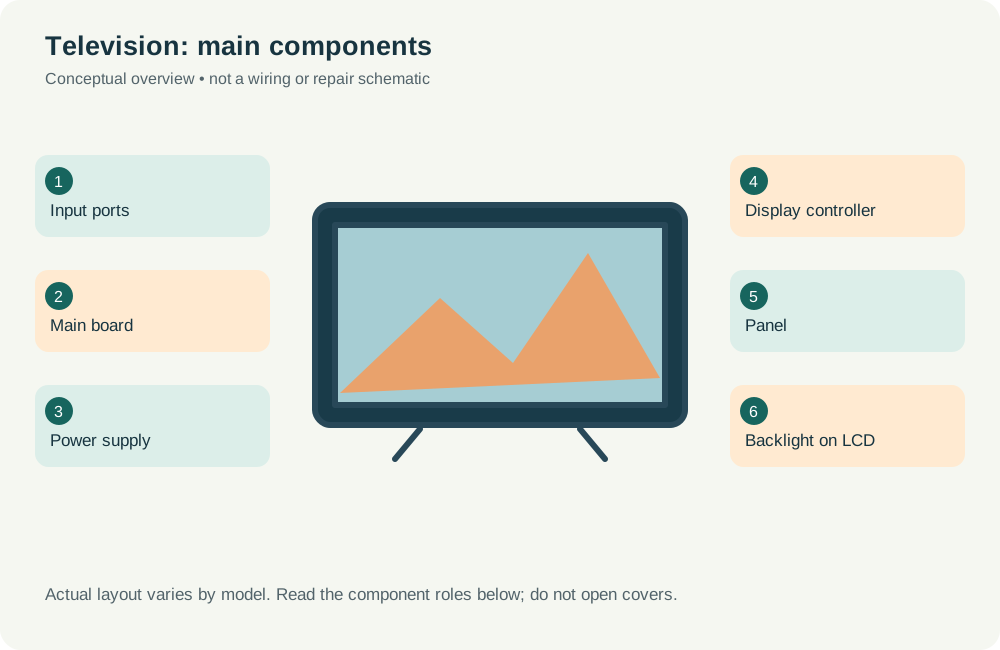
Main component roles
Use these names when describing the problem; do not remove covers to identify a part. The appliance label and owner manual are the appropriate starting point for exact model information.
| Component | What to understand |
|---|---|
| Input ports | Receive supported external audio and video signals. |
| Main board | Processes sources, settings and smart functions where fitted. |
| Power supply | Provides the internal power required by different circuits. |
| Display controller | Coordinates the signals used to drive the display. |
| Panel | Forms the visible image; technology varies by TV. |
| Backlight on LCD | Illuminates an LCD panel; OLED does not use this arrangement. |
Normal operating sequence
- Input / stream received
- Main board processes picture
- Display driver controls pixels
- Panel shows image
Controls coordinate the sequence and may pause it for safety or because a sensor detects an unusual condition. A stopped cycle or error message can have several causes. The diagram cannot identify a failed component without appropriate inspection.
What you can safely observe
Keep ventilation openings clear, clean the screen only as the manual directs and avoid liquid spray. Do not open the rear cover: power sections can retain hazardous charge. Arrange safe access to wall-mounted sets and tell us if lifting needs additional people.
Tell the technician what happens before the fault, which lights or codes appear and whether the problem is repeatable. Avoid guessing that a named component must be replaced because a similar symptom appears online.